
RETRO PING PONG UNBLOCKED
Play retro Ping Pong unblocked free in your browser. The classic 1972 arcade game, reimagined for school, work, and home. Plus four more Pong-inspired modes — Soccer, Hockey, Squash, and Modern Table Tennis. Works on Chromebooks, iPads, phones, and laptops.
▶ PLAY FREE NOW Loads in 2 seconds. Works on school Wi-Fi.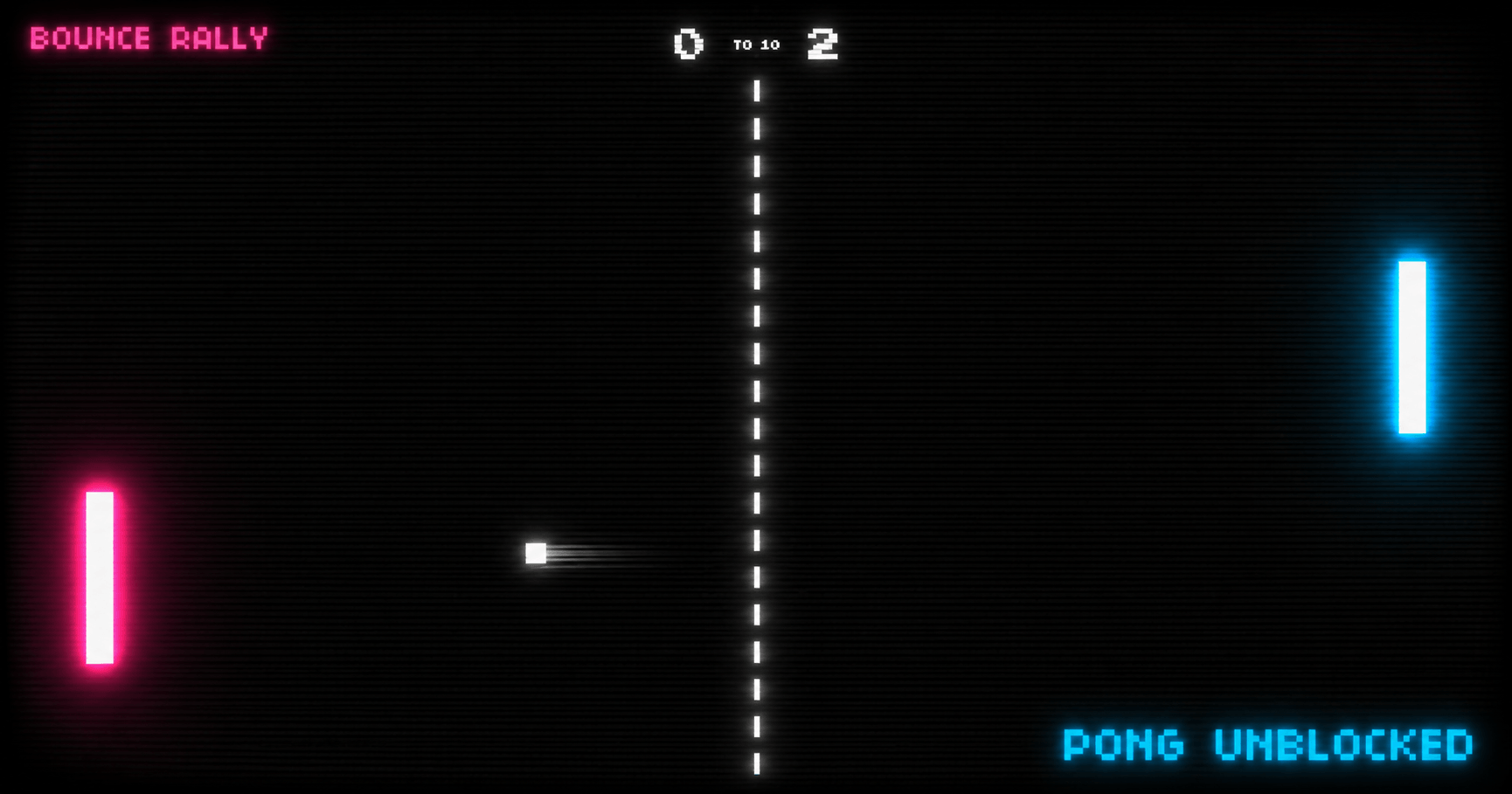
WHY PONG IS UNBLOCKED HERE
Most "unblocked games" sites route you through suspicious proxies or game-aggregator domains that schools block on sight. Bounce Rally runs entirely on one domain — bouncerally.com — with no plugins, no embedded ads, and no third-party game frames. The whole thing is pure HTML5 and JavaScript loaded once, then cached. That means it slips through standard school content filters and Chromebook restrictions where other Pong games fail.
We don't promise it works on every school's network — some districts block entire ".com" gaming categories — but on standard Google Workspace, Chromebook, and most school Wi-Fi setups, you can play Ping Pong unblocked instantly.
HOW TO PLAY
Move your paddle with the mouse, touch screen, or W/S and Arrow keys. Hit the ball past your opponent to score. First to 10 points wins. That's classic Pong — the same rules from 1972, in your browser, in two seconds.
Want it harder? Switch difficulty to Expert in the game console for a shorter, faster paddle. Want more chaos? Try Modern Table Tennis with power-ups, edge shots, and edge spin.
5 PONG MODES TO PLAY UNBLOCKED
Bounce Rally isn't just one Pong game — it's a whole retro arcade. Pick a mode below.
CAN I PLAY PONG WITH A FRIEND?
Yes — two ways, both unblocked:
Local 2-Player. You and a friend share one keyboard. Left paddle uses W/S, right paddle uses Up/Down arrows. Perfect for desk-mate matches.
Private Room. Click "Invite Friend" on the homepage. The site generates an invite code and shareable link. Send it to a friend on any device — phone, Chromebook, laptop. You both play live, in real time. No signup needed.
Both options work on standard school networks and don't require any external apps.
FREQUENTLY ASKED QUESTIONS
Is Pong actually unblocked at school?
Bounce Rally runs on a single domain (bouncerally.com) with no plugins, no downloads, and no proxy redirects. Most school networks allow it because nothing about it triggers content filters. If your school specifically blocks gaming domains, ask your IT admin — but on standard Chromebook and Google Workspace setups, it works.
Do I need to download anything to play Pong unblocked?
No. Pong runs entirely in your browser using HTML5. Click Play and the game starts within 2 seconds. Nothing installs to your device.
Does it work on Chromebooks?
Yes. Bounce Rally is built mobile-first and works on Chromebooks, iPads, Windows laptops, MacBooks, iPhones, and Android phones. Use mouse, touch, or W/S and arrow keys.
Can I play Pong with a friend at school?
Yes. Two ways: (1) Local 2-Player — you both use the same keyboard (W/S for left paddle, Up/Down arrows for right). (2) Private Room — one person creates an invite code, sends it to a friend, and you both play live across devices. No signup needed.
Is it really free?
Yes. No subscription, no signup, no payment ever required. All 5 game modes, multiplayer, and private rooms are free.
How is this different from the original Pong?
Classic Table Tennis mode is faithful to the 1972 arcade original — just two paddles and a ball. The other four modes add new twists: Soccer Pong with goal mouths and goalkeepers, Hockey Pong on an ice rink, Squash with turn-based wall rallies, and Modern Table Tennis with power-ups, edge shots, and edge spin.
How do I make my paddle faster?
In the game console, pick Expert difficulty — that gives you a shorter, faster paddle. For more chaos, switch to Modern Table Tennis and grab the BIG PADDLE or BALL SPEED power-ups during the rally.
Does the multiplayer work on school Wi-Fi?
The Private Room feature uses standard secure WebSocket connections — the same technology used by Google Docs and Slack. It works on most school networks. If your school blocks WebSockets entirely, Local 2-Player on one device still works.
Why does it look retro?
Pong started in 1972 as the first commercially successful video game. Bounce Rally keeps the CRT scanline aesthetic, pixel typography, and neon-on-black palette as a tribute — but runs at smooth 60 FPS on modern hardware.
Can I get in trouble for playing this at school?
Bounce Rally is rated for all ages, has no violence, no inappropriate content, and no chat features that could violate school policy. The worst that can happen is a teacher asks you to close the tab. We can't make guarantees about your school's specific rules — but the site itself doesn't break any.
READY TO RALLY?
Pick a mode and start a match. All 5 modes free, instant, unblocked.
▶ PLAY FREE NOW